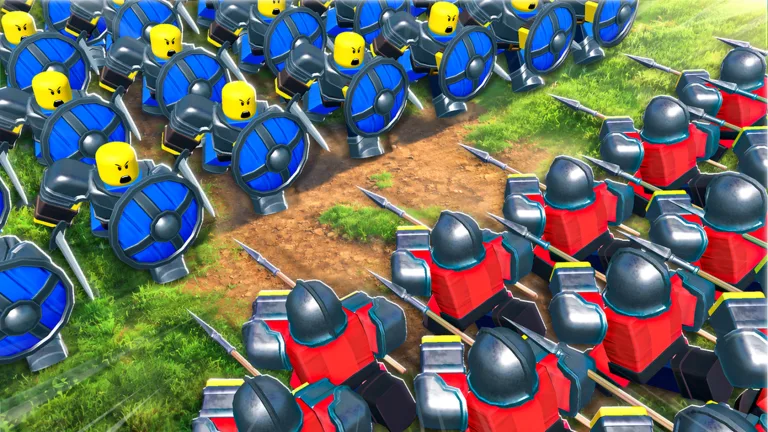
Learn the official method to join the Command An Army Discord community, along with essential safety tips for navigating Roblox game guilds.
Published: Command An Army Wiki Editorial Team
Video Guide
How to Join Command An Army Discord ServerTable of Contents
How to Access the Official Command An Army Discord
Joining the official Discord server for Command An Army on Roblox is a straightforward process, but it is vital to ensure you are using the correct, verified link. Discord servers serve as hubs for the community to share update logs, participate in polls, and organize group events.
To join, follow these steps:
Open your Discord desktop or mobile application.
Locate the "+" (Add a Server) icon on the left-hand sidebar.
Click the "Join a Server" button at the bottom of the pop-up menu.
Confirm by clicking "Join Server" and follow any server-specific verification prompts.
Tip
If you are struggling to find a link, always prioritize sources directly linked from the developer's official Roblox game page. Avoid clicking on links shared by random players in game chat, as these may lead to malicious or unofficial servers.
Staying Safe in Roblox Guilds and Communities
While many Command An Army guilds are positive spaces for team-vs-team warfare, community reports indicate that players should exercise caution. Some unofficial or high-profile guilds have been associated with toxic behavior, including harassment, inappropriate content, and even attempts to share exploits.
Based on community feedback, consider these precautions:
Verify the Source: Only join Discord servers that are officially linked by the developers. If a guild claims to be "official" but the link is not provided on the game's official page, be skeptical.
Report Misconduct: If you encounter harassment, racism, or attempts to doxing within a server, leave the group immediately and use the "Report Abuse" feature within Roblox if the behavior involves game-related activities.
Avoid Unofficial Links: Be wary of guilds that promise special in-game advantages in exchange for joining their Discord or providing personal information.
Protect Your Privacy: Never share personal information, Roblox account credentials, or private data in any community server.
The developers of Command An Army actively monitor the community to ensure a safe environment. By sticking to verified platforms and maintaining healthy online boundaries, you can enjoy the strategic gameplay of Command An Army without compromising your safety. If you are ever unsure about the legitimacy of a group, it is best to stick to the game's official social links provided by the creators, "Fight, Fight, Fight!".